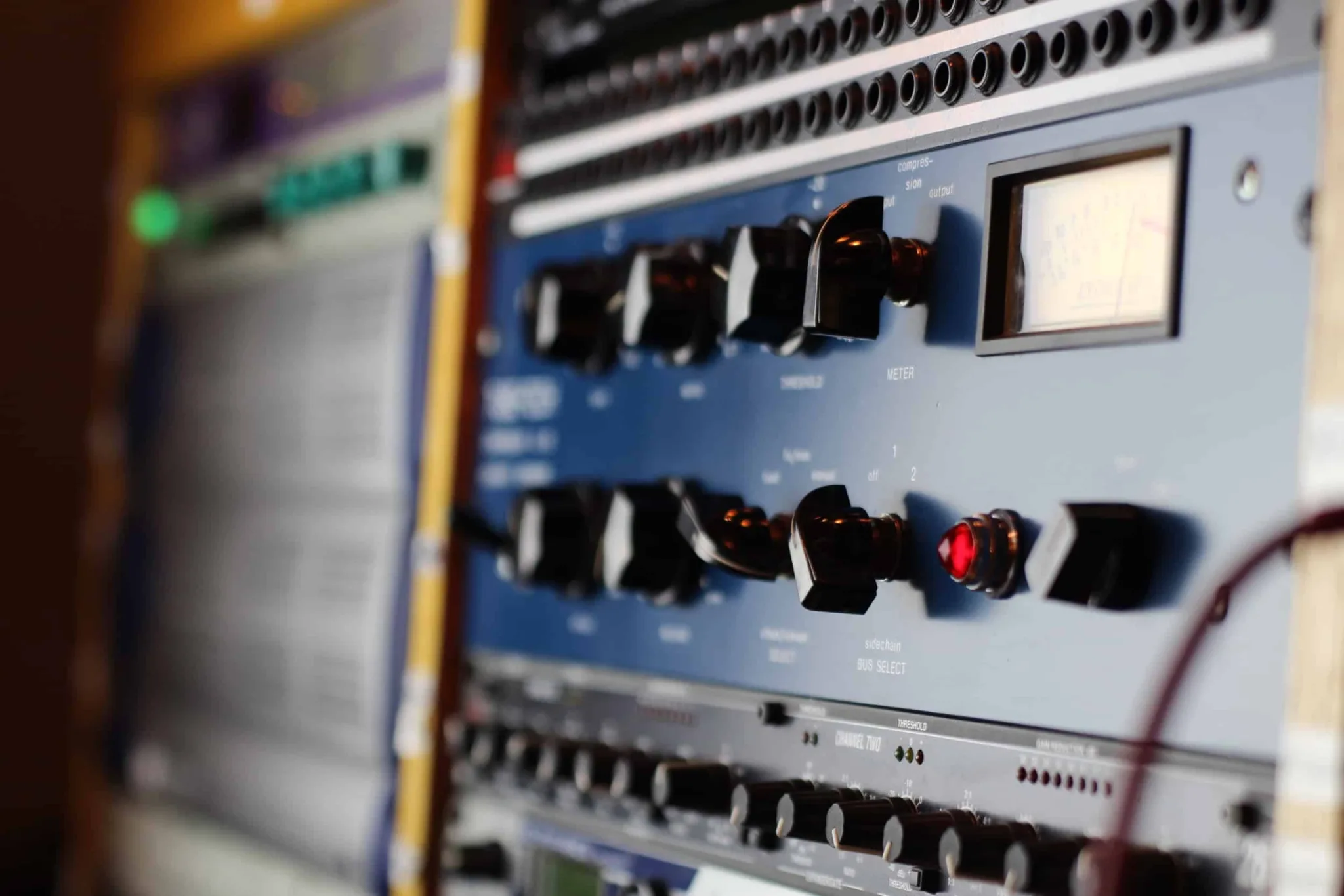
Mastering Audio
Audio Mastering Course | Miami or Live Online
Our Mastering Course is designed for today’s multi-genre modern engineer. While being completely focused on mastering “in-the-box” (in a computer), we provide you with the ability to achieve that commercial sound through the understanding of various analog circuits and effect processors. You will leave with a fully mastered track, and all the steps to continue improving and forwarding your abilities for years to come.
Our Miami classes for the Mastering Audio are small and hands-on, taught at our studio by producers active in the city's electronic, Latin and hip-hop scenes. If you would rather learn from home, the same sessions run live online with the same instructors and the same class size, using our specialist music collaboration software, Muse.
Introduction & Mixing Recap
- →Reference Tracks
- →Speakers & Headphones
- →Frequencies
- →Dynamic Processing
- →Effects
- →Critical Listening
Metering and Rendering
- →Gain Staging
- →Meters used in Mixing & Mastering
- →Mixing Groups
- →Rendering your Premaster
- →How to Prepare for Mastering
Introduction to Mastering
- →History of Mastering
- →Setting up a Mastering Session
- →Overview of Ozone & FabFilter Suite
- →Critical Listening
Mid/Side
- →What is Mid/Side
- →History of Mid/Side
- →Mid/Side Techniques
Maximizers
- →What is a Maximizer
- →Ozone Maximizer & FabFilter Pro-L walk-through every function.
- →Practical Use
Creating A Mastering Chain
- →Creating an efficient Mastering Chain with Ozone & FabFilter
- →Step by Step Hands-on Instruction
- →In depth explanation of Modules & Signal Flow
Metering / Phase & Dithering Analysis / Stem Mastering
- →Meters used in Mastering
- →Phase & Dithering
- →Stem Mastering for Clients
Advanced Mastering
- →Expanding Your Mastering Chain
- →Using Virtual-Analog Signal Processors
Mastering for Streaming Audio & Broadcasting
- →Explanation & History
- →Modern Day Application
Referencing, Finalizing, Exporting
- →How to Reference
- →Finishing Up
- →Exporting
- →Group Critique
The techniques can be applied within any digital audio workstation.
Many learners these days prefer to use their own laptops on our courses for things like getting help customizing their set-up, and they have their project exactly as they left it in class to work on at home. So we made the course more affordable, but added a $75 supplement for learners who wish to hire an iMac loaded with software. Please ensure you book an iMac when you book your course if you need one. Controller keyboards, and headphones are provided for everyone.
36 Hours | $1499 + $100 Registration if booked 14 days before start or $1999 + $200 Registration | 33% off Live Online
Use the ‘CONNECT’ button below to request schedule information for our classes. One of our placement experts will follow up within a business day. For one-to-one lessons, see Mastering Audio Private Instruction, and connect with a specialist on that page.
Check out the student feedback from our Academy ↓ Discover qualities that distinguish us, here.
Student reviews.
“I came into the class with a good understanding of my DAW (Logic Pro X course here at Garnish) but minimal knowledge of mixing/mastering. I thought the class was a great supplement to the knowledge I gained from the Logic Pro X course. I never felt lost, and now know how to achieve a clean mix and master.”
Kevin Yee
Instructors


Common questions, answered.
No - the course is focused on mastering in the box, and teaches the analog circuits and processors behind commercial sound through their in-DAW equivalents.
Yes. The Mastering Audio course runs in person at Garnish Miami and live online in the same sessions, using our music collaboration software, Muse - you join whichever suits you.
Yes. The Mastering Audio course can be taught one-to-one, in person in Miami or online, built around your own projects - ask admissions about private instruction.
Any. The techniques apply in any digital audio workstation, which you bring with you.
A fully mastered track, and every step to keep improving your masters for years.
The Mastering Audio course runs 36 hours. Tuition at Garnish Miami: 36 Hours - $1499 + $100 Registration if booked 14 days before start or $1999 + $200 Registration - 33% off Live Online.
36 Hours | $1499 + $100 Registration if booked 14 days before start or $1999 + $200 Registration | 33% off Live Online
Let's get you started.
InquireWhy Garnish?
Recording vocals: DIY vocal booth and pop shield or filter
Recording vocals: DIY vocal booth and pop shield or pop filter: This is about how I record vocals at home with a DIY vocal booth. We cover more on this on the Sound Engineering course. I have a macbook pro plugged up to an apogee duet, pop shield or pop filter, some cables running from my dining roo
Read →Choosing Monitors
Setting up your Monitors and your room – What are the different types of monitors? – How should your monitors be positioned? – Getting the best acoustics…
Read →Audio Interfaces
Audio Interfaces An audio interface is a piece of hardware that connects musical instruments, microphones, and other sound sources to a computer. The audio interface acts as a bridge between the analog audio signals from the instruments and the digital signals that the computer can understand and pr
Read →Automation: Mixing as a Performance
A mix is not a set of static positions. Fader rides, send moves, section steps and the four automation modes - plus the override that catches everyone.
Read →Focal SM9 and Twin Studio Monitor Speaker Demo
Focal invited me to Dean Street Studios for a Focal SM9 and Twin Studio Monitor Speaker Demo ages ago, but I just haven't had time to write about them until now. When I walked into the room, the monitors were set up along with some NS10s like we have here for our mixing course. They looked massive w
Read →Creative Uses for Melodyne
Celemony's Melodyne is a highly sophisticated pitch analysis and correction software suite known mainly for its use in tuning vocals. As effective as it is in this capacity, Melodyne's capabilities allow for a range of other creative uses outside of simply correcting mistakes in performance. In this
Read →